Can I send an invoice from my phone?
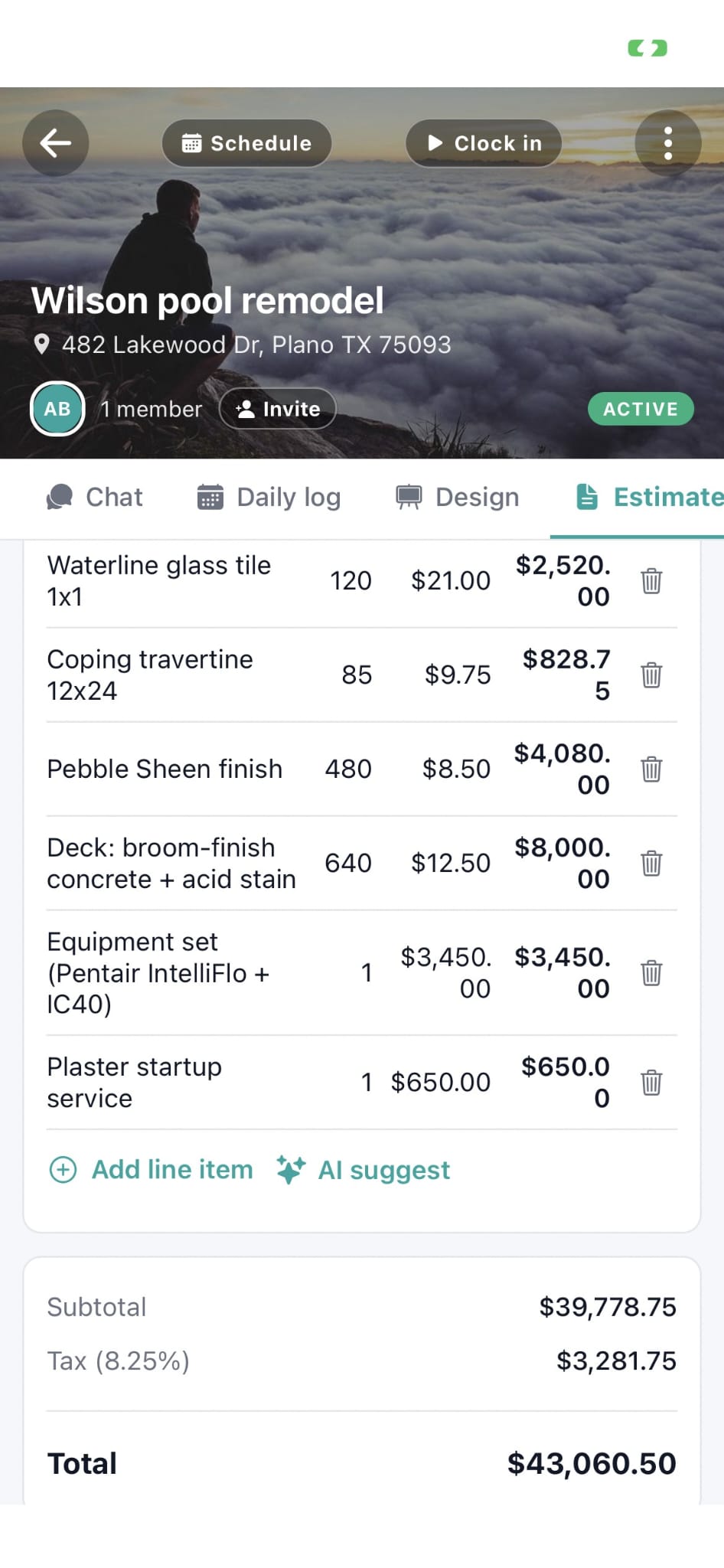
Yes. Open the job, tap invoice, line items pull from the accepted estimate. Send by email or text in two taps. Customer sees a Pay Now link the second the invoice arrives, not a PDF buried in spam.
How does Workhand accept credit card payments?
Workhand uses Stripe Connect. Connect your Stripe account in the app, and every invoice gets a Pay Now button. Customer pays by card or ACH, Stripe deposits the funds to your bank account on next business day. Workhand charges 0 percent platform markup on top of Stripe's standard 2.9 percent plus 30 cent processing fee.
What does 0 percent platform markup mean?
Many contractor apps charge an extra 1 to 3 percent platform fee on top of Stripe's processing fee. Workhand passes through Stripe's processing fee directly with no markup. On a $24,000 invoice paid by card, that is roughly $240 to $720 in fees you keep that you would otherwise pay to the platform.
Can I take a deposit and then bill progress payments?
Yes. From the accepted estimate, send a deposit invoice first (typically 30 to 50 percent of the total). As the job progresses, send progress invoices for milestones (rough-in done, drywall closed, final). The last invoice is the remaining balance. All linked to the same job, all visible to the customer in the portal.
What happens if a customer doesn't pay on time?
Workhand sends auto-reminders to the customer at 3 days overdue, 7 days overdue, and 14 days overdue. Each reminder includes the Pay Now link so the customer can settle the invoice in one tap. You can also send manual reminders or pick up the phone, but the auto-reminders catch most slow payers without you doing anything.
Does Workhand sync with QuickBooks?
Yes. The Team plan at $89.99 per month includes bidirectional QuickBooks Online sync. Invoices, payments, customers, and items sync both directions. Your bookkeeper still works in QuickBooks. You still work in Workhand. The two stay in sync without anyone re-typing data.
How fast does the money hit my bank?
Stripe deposits to your bank account on the next business day for standard payouts after the first payout cycle. The first payout typically takes 7 to 14 days while Stripe verifies your account. After that, payments collected Monday land in your account Tuesday. Card payments and ACH deposits both follow this schedule.
What does the invoice feature cost?
Included on every plan, with Stripe payments on every tier and zero Workhand markup. Free includes 3 invoices per month (counter resets on the 1st). Pro at $34.99 per month unlocks unlimited invoices and unlimited jobs for up to 5 users. Team at $89.99 per month covers up to 15 users and adds bidirectional QuickBooks sync. Stripe processing fees are 2.9 percent plus 30 cents per card transaction with no Workhand markup.