What user roles does Workhand support?
Five built-in roles. Owner has full access to everything including company settings, billing, integrations, and role configuration. Admin is everything Owner has except billing and role config. Employee is the day-to-day crew member who can see assigned jobs, log progress, chat with the owner, but does not see pricing or profit by default. Sales sees their own pipeline and the customers they brought in, not internal job costs. Sub is the most restricted role: they only see the jobs they are explicitly invited to and nothing else. Each role can be tuned with 13 individual capability toggles.
Can employees see how much I'm charging the customer?
No, by default. The Employee role does not see pricing on estimates, invoices, or line items. They see what they need to do the work, not what the customer is paying for it. If you trust a specific employee with pricing visibility (typical for a lead foreman or project manager who handles billing questions in the field), you toggle the pricing-visibility capability on for that role or that individual user. The toggle is in Settings then Roles.
Can subs see jobs they're not on?
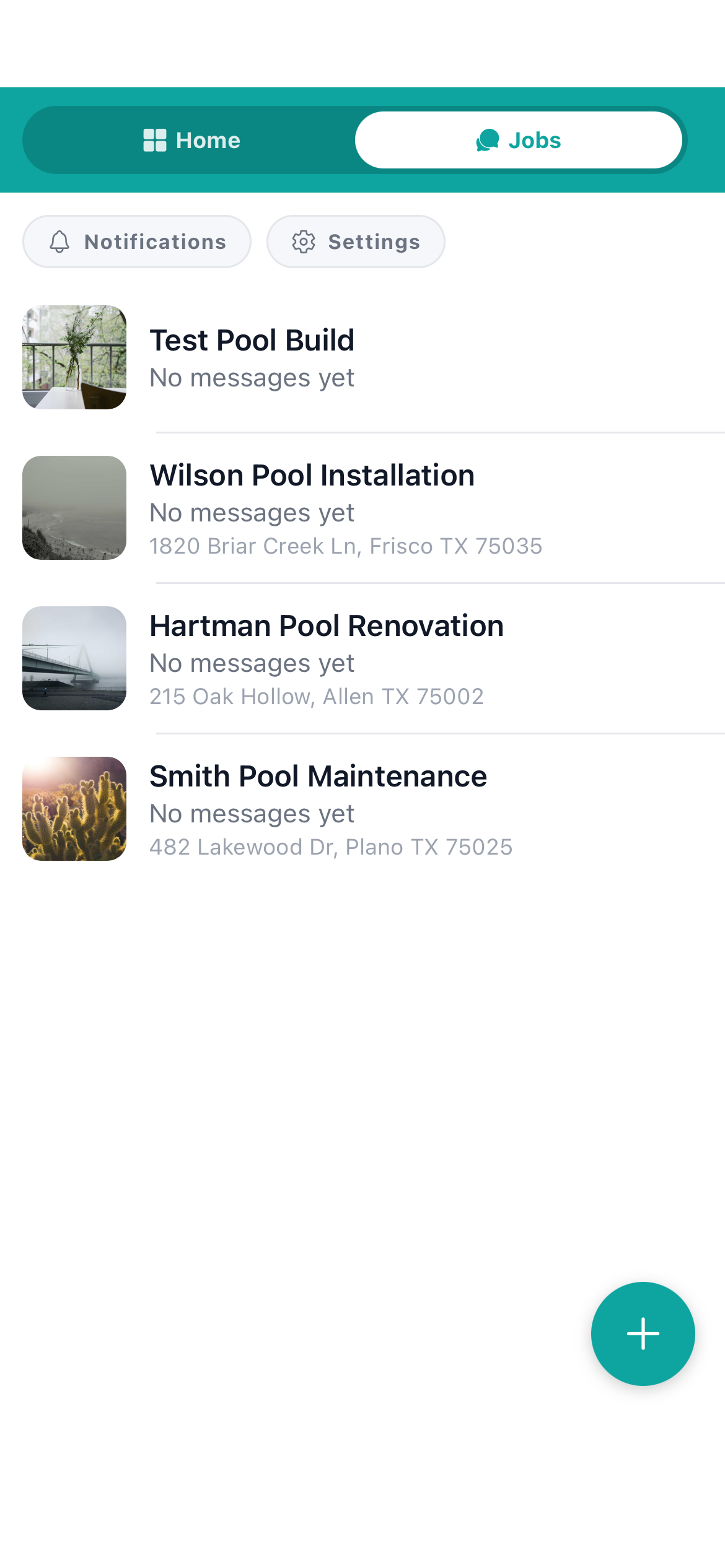
No. Subs are the most restricted role in the system. They are invited per-job and only see the jobs they are explicitly invited to. The customer list is invisible to them. The other jobs in the company are invisible to them. The internal chat between the crew is invisible to them. They see the job they were brought in for, can message about that job, and that is it. This is one of the most-requested features from contractors who run plumbing, electrical, and HVAC subs through their job sites.
How is this enforced? Could a tech-savvy employee bypass it?
Permissions are enforced at the database layer via Postgres RLS (Row-Level Security), not just hidden in the UI. That means even if an employee tried to pull data directly from the API, the database itself refuses to return rows their role is not allowed to see. UI-only permissions can be bypassed by someone curious. Database-enforced permissions cannot, because the database literally does not return the data to the user's session in the first place. This is the same mechanism banks use.
Do salespeople see internal costs and margin?
No. The Sales role is built for 1099 outside reps who get a commission on closed jobs. They see their own pipeline, the customers they brought in, and the estimates they wrote. They do not see internal job costs, profit margin, or what other salespeople are doing. This protects margin information that should not be on a 1099 rep's phone and prevents sales-team comparison drama.
Can I let one employee see profit but not another?
Yes. The 13 capability toggles can be set at the role level (apply to everyone in that role) or overridden at the individual user level. The classic setup: most employees do not see profit, but the lead foreman who does cost-plus billing for time and materials does see profit per job because he needs the number to talk to the customer. Configure that as an individual user override on his account.
Is there an audit trail of who did what?
Yes for sensitive actions. Role changes, permission changes, customer creation and deletion, invoice creation and sending, and estimate sending are all logged with who and when. The audit log is visible to the Owner. This matters when an employee leaves or you need to figure out why an invoice went out incorrectly. It is not a full keystroke log, just the structurally important actions.
What does this cost?
Multi-role access control is on the Team plan at 89.99 per month. Pro at 34.99 per month gets you Owner plus invited helpers but without the per-role capability matrix. Team adds the full 5-role + 13-capability system, audit log, and sub-invitation flow. Free plan is single-user.